Immersive coding, demos, late-night deep work
This pack includes the public artwork, theme.json, README, and restore guidance. It does not include private Codex screenshots, task names, file paths, or chat content.
Dark mythic focus skin with a quiet left side for readable Codex panels.
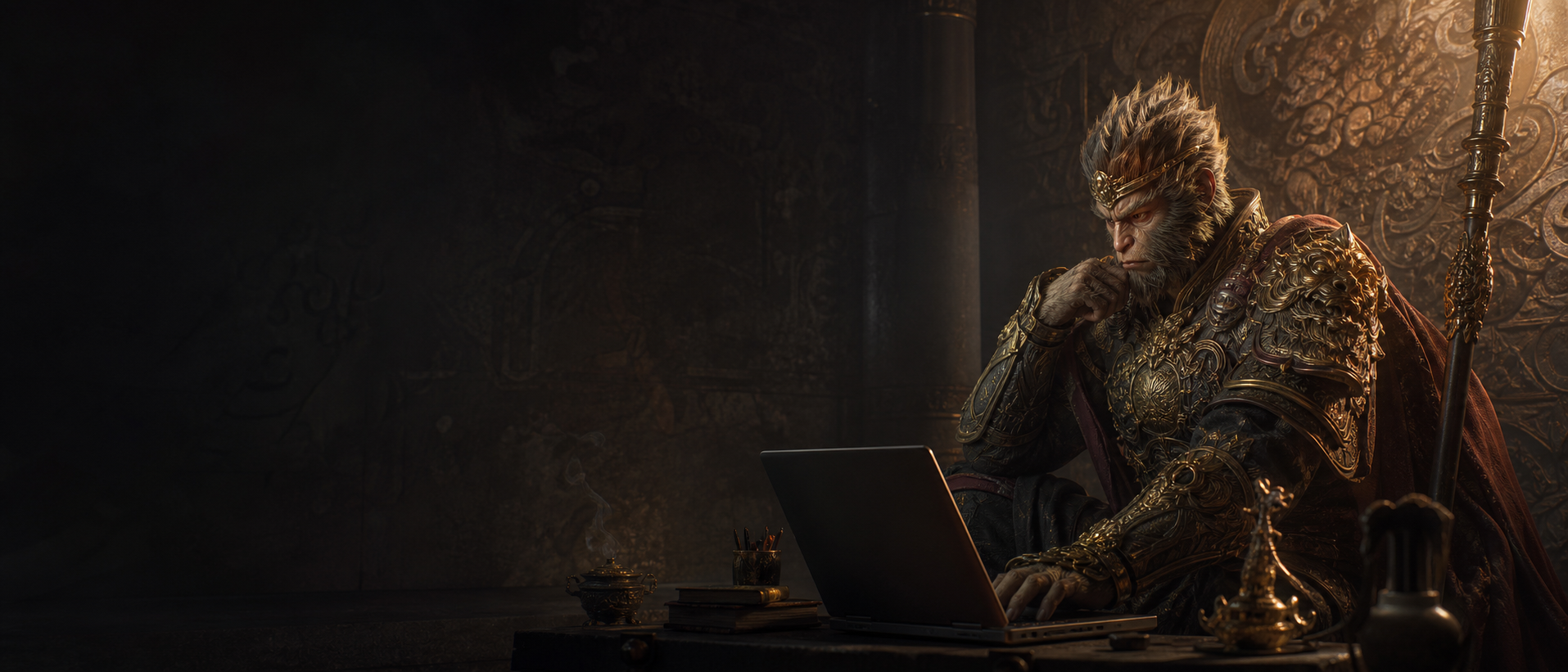
This pack includes the public artwork, theme.json, README, and restore guidance. It does not include private Codex screenshots, task names, file paths, or chat content.
Install the Codex Skin Pack Installer skill first:
npx skills add ChannelerH/codex-skin-packs --skill codex-skin-pack-installer --global --agent codex --yes

Install this Codex skin pack: Mythic Guardian Noir.
Pack slug: mythic-guardian-noir
Pack URL: https://codex-theme-gallery.howardhua.chatgpt.site/theme-packs/mythic-guardian-noir.zip


Theme JSON: https://codex-theme-gallery.howardhua.chatgpt.site/theme-packs/mythic-guardian-noir/theme.json
After the skill is installed, run: python3 "$CODEX_SKILL_DIR/scripts/fetch_skin_pack.py" mythic-guardian-noir
Use Codex Dream Skin or the active Codex theme manager if available.
Keep the native Codex layout interactive. Do not publish or upload private workspace screenshots.
After applying, verify Home, Task, Diff, and Composer readability. Then tell me how to restore the default theme.
npx skills add ChannelerH/codex-skin-packs --skill codex-skin-pack-installer --global --agent codex --yes
python3 "$CODEX_SKILL_DIR/scripts/fetch_skin_pack.py" mythic-guardian-noir
Use this route if you trust curated plugin marketplaces more than a direct repository install. The plugin is listed in Awesome AI Plugins, then the installer can fetch this exact pack.
codex plugin marketplace add https://github.com/hashgraph-online/awesome-ai-plugins.git --ref main --sparse .agents/plugins --sparse plugins
codex plugin add codex-skin-pack-installer@awesome-ai-plugins

# Then in Codex: $codex-skin-pack-installer fetch mythic-guardian-noir